
Bright, playful states
Marmalade
Uses bold expressions to make changing work states easy to spot. License and runtime evidence are not yet reported.
- Bright motion
- Bold cues
- Playful style
Use the upper workbench to compare visual styles, then open the 20 downloadable pet routes below for exact package previews, versioned files, hashes, and installation steps.
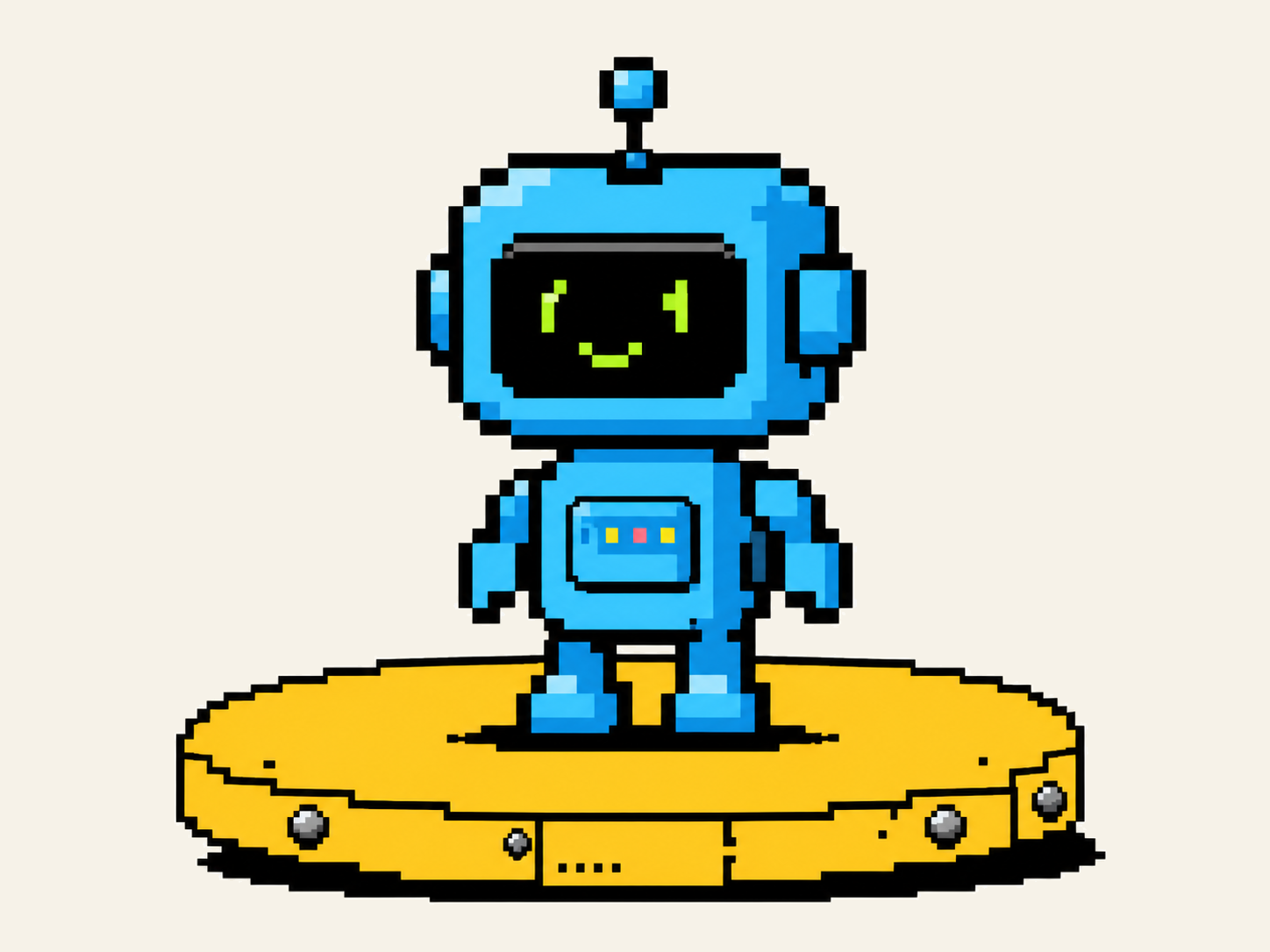

Find Codex Pets by visual style before you add a companion. These examples show how character and motion can distinguish work states. Real listings should identify creator, source, license, and evidence.
Find a Codex PetUses bold expressions to make changing work states easy to spot. License and runtime evidence are not yet reported.
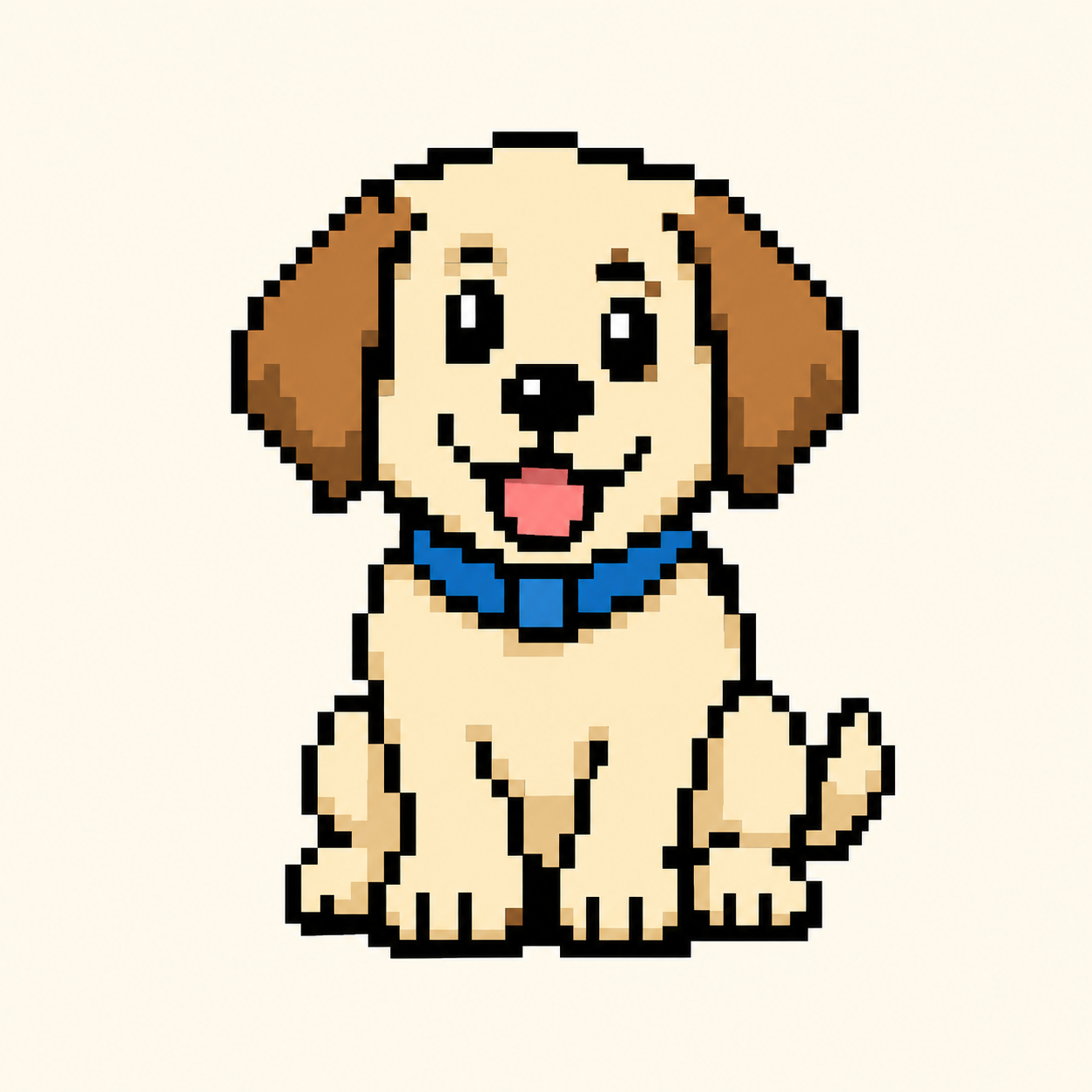
Uses gentle visual cues to make state changes easy to notice. Source, format, and compatibility are not yet reported.
Calm, focused states with minimal motion. Listed platforms: Not reported.
License: Not reported · Runtime evidence: No runtime evidenceBold robot motion with clear state changes. Listed platforms: Not reported.
License: Not reported · Runtime evidence: No runtime evidenceCodex Pets are animated companions designed to reflect what an AI coding agent is doing. Use the browser preview to find Codex Pets with visual states you can read at a glance. A pet can represent when work is Running, waiting for input, Ready for review, or Blocked. Files, support, and setup requirements differ by app, platform, terminal, and community package format.
Distinct states help you notice when an agent needs approval, has finished, or cannot continue, so you know when to return.
Choose a cat, dog, robot, original character, team mascot, or companion inspired by a real pet. Readable states make it useful; personality makes it yours.
Desktop, Web, CLI, and community runtimes can use different files and setup methods. Review the exact target environment.
Find Codex Pets with notes for your intended surface, then verify the product, version, operating system, terminal, and package type. One successful preview or test does not prove compatibility everywhere.
| Surface | What to check | Next step |
|---|---|---|
| Desktop | Confirm the app, OS, customization method, and whether the pet was tested in the same environment. | Check your exact desktop setup. |
| Web | Check current upload rules; web images and community packages may use different formats. | Confirm the accepted file format. |
| CLI | Check session behavior, terminal support, multiplexer limits, package type, and version notes. | Use terminal-specific guidance. |
| IDE | Do not assume an IDE extension provides the same picker, animation surface, or setup path as desktop. | Read the integration limits. |
Useful records name the environment and checked date, then use a specific status such as Tested, Experimental, Not supported, or Unknown.
Start with a real animal, team mascot, or original idea. Choose a target environment, then define a consistent character and all four states. This browser demo keeps the draft local; it does not generate or validate a package.
Name the character, describe its visual style, and define Running, Needs input, Ready, and Blocked. This demo saves a concept only.
Start a Pet DraftReview structure, images, metadata, permissions, and available evidence. Keep unknown results visible instead of turning them into green checks.
Read the Evidence GuideCheck for missing files, malformed metadata, unsupported environments, and the wrong target path before changing a package.
Review Common ProblemsUse an animal, character, color, mood, or visual style to describe the companion you want. Add the intended surface, operating system, shell, or terminal to narrow the examples.
Compare Running, Needs input, Ready, and Blocked. Look for readable motion and distinct visual cues, and check whether the preview is simulated, runtime tested, or unavailable.
Confirm the surface, environment, source, declared license, available evidence, and known limitations. A license field alone is not proof of ownership.
Review the target path, package contents, permissions, checksum, and rollback steps before following a setup method. Confirm that the pet appears and behaves as expected; copying a command is not a successful installation.
“Verified” should explain what was checked, how and when it was checked, and what remains unknown. It is not a blanket promise of safety, authorization, or universal compatibility.
| Evidence | What it confirms | What it does not confirm |
|---|---|---|
| Schema valid | Metadata matches the named community profile or specification. | It does not prove that the pet runs in a real product. |
| Static assets only | The reviewed package contains the listed static files and metadata. | It does not prove zero risk in every environment. |
| Runtime tested | The pet worked in the listed product, OS, version, and test date. | It does not cover every product, version, terminal, or device. |
| License declared | The publisher supplied a license field with the listing. | It does not prove ownership unless rights evidence was reviewed. |
| SHA-256 checksum | A downloaded file matches the file recorded by the listing. | It does not prove safety, authorship, identity, or licensing. |
A preview helps you compare artwork. Use this checklist to review the package, source, environment, and recovery path before following any setup method.
Find Codex Pets with clear creator and source records. A useful listing should make its origin easy to understand. Creator, source, license, authorization, and remix history are separate facts, and none should be inferred from attractive artwork or a technical checksum.
Listings can distinguish Original, Authorized, Fan work, and Unknown source. The upper four style samples intentionally remain preview-only. The 20 downloadable routes below use their separate release manifests, package hashes, and site-owner-directed personal-use terms.
Created for the listing by the named creator.
Published with permission that can be reviewed.
A community interpretation with separate rights considerations.
Origin or reuse permission has not been confirmed.
Use these answers to find Codex Pets, separate a browser preview from a real package, understand evidence labels, and check the details that matter before adding one.
Browse Codex PetsThey are animated companions that show agent status—Running, Needs input, Ready, or Blocked—on supported surfaces. Formats and setup vary by environment.
No. This is an independent community project, not an OpenAI product. Listings should distinguish official customization options from community formats.
Describe the character or visual style you want, review the closest sample, preview its four states, and check what the listing actually reports. If a real package supplies setup instructions, review the source, files, permissions, and rollback information before using them.
You can preview the states an example supplies. This page uses a browser simulation; runtime support and compatibility still require separate evidence.
No download is risk-free. File lists, static checks, executable warnings, and checksums reduce uncertainty but do not prove identity, licensing, or universal safety. Review the source and avoid unexpected executable content.
Likely causes include a wrong path, unsupported environment, malformed metadata, incorrect dimensions, missing files, or an incompatible profile. Recheck the package and environment before making more changes.
Yes. Start with photos or an original brief, keep the character design consistent, define all four states, and document the intended surface and package format.
Support varies by surface, version, operating system, and terminal. Check the latest record for your exact environment rather than relying on another platform’s result.
Open every current product, help, evidence, and project page from this homepage. Each link uses the destination page's primary keyword so the site structure stays explicit.